
Give your photo a new background
Choose a color here, then explore photo backgrounds or upload your own in the editor.
or drop a file · paste image or
JPEG, PNG or WebP · up to 10 MB
Preview for free. Use one credit when you unlock a full-resolution result.
By uploading an image or URL you agree to our Terms of Service. To learn more about how removebackground.me handles your personal data, check our Privacy Policy.
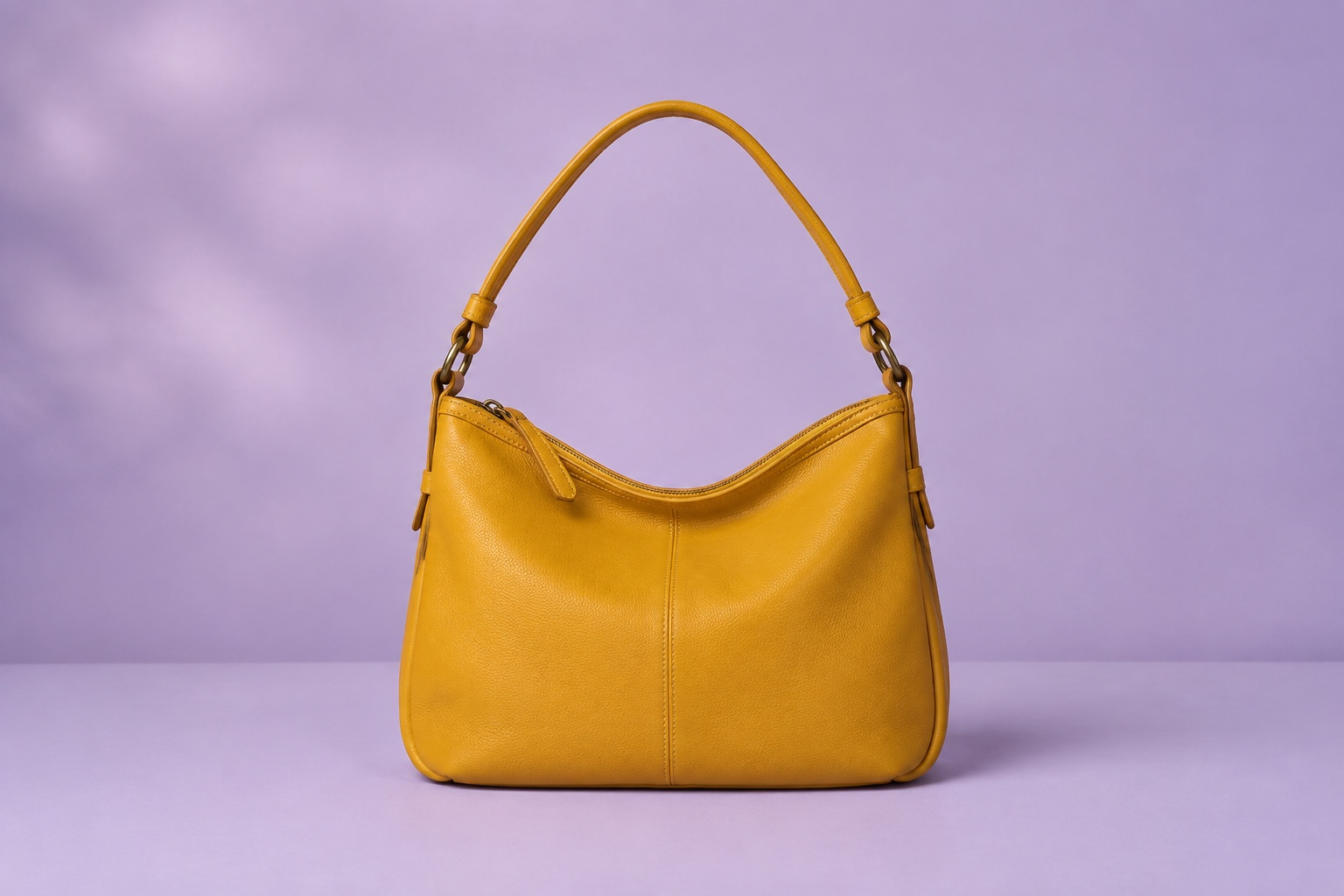
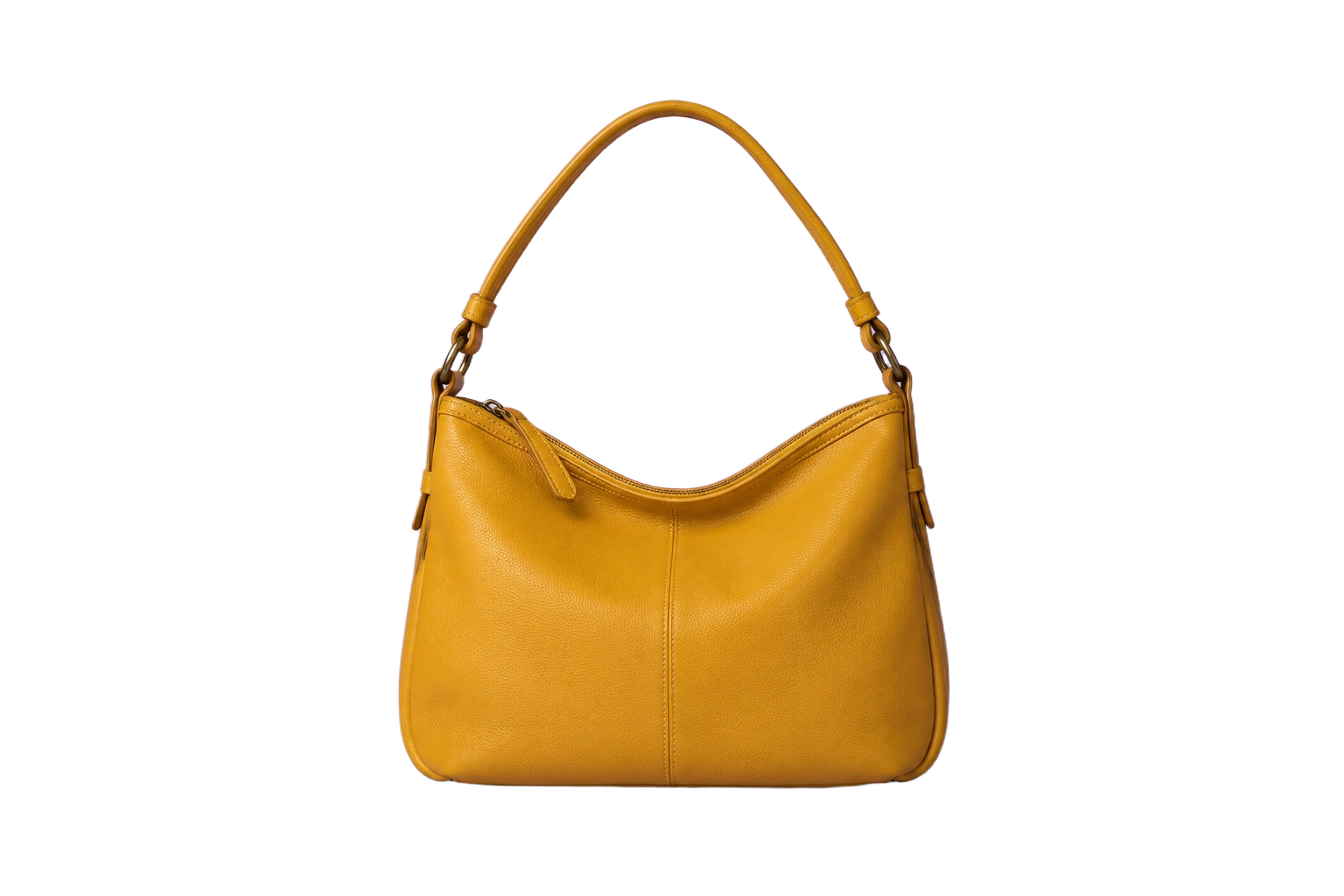
Example: an AI-generated source photo processed with our background removal service.
Choose what belongs behind your subject
Start with a solid color, then use the Background panel to try gradients, search Pexels photos or upload your own background image. Adjust the subject placement and crop to fit the new scene. The editor combines the subject and background into one PNG download.
From upload to finished image
- Upload a photo, drop a file, paste an image or use a public image URL.
- Your selected color is applied and the Background panel opens, ready for more choices.
- Refine edges or crop, then download a preview PNG or unlock the full-resolution result.
Before you upload
Can I use my own background photo?
Yes. After your image is processed, open Background, choose Photo and use Upload background. Background uploads accept JPEG, PNG or WebP files up to 10 MB. Check that you have permission to use any photo you add.
Which file formats can I use?
Upload a JPEG, PNG or WebP image up to 10 MB. The editor exports PNG files. PNG supports transparent backgrounds; JPEG does not.
What can I download for free?
Editing and low-resolution previews are free. A full-resolution PNG download requires sign-in and one credit per result. Repeat downloads are included until that result expires.
How are my images processed and saved?
Background removal uses cloud processing through fal.ai. Manual edits run in your browser. Results expire three hours after upload; download any work you want to keep. See our privacy policy for provider and storage details.
More background tools